Like other modern web browsers, Chrome lets you quickly reopen tabs and windows you’ve recently closed. Google moved this option a bit in Chrome 78, but it’s still easy to find if you know where to look.
How to Customize Your Gmail Address on the Fly
Did you know you can customize your Gmail address and make it easier to read? It can also help you track who sends you messages. We’ll walk you through the process.
3 reasons why a Chromebook often costs more than a nearly “identical” Windows laptop
Wondering why a Chromebook with similar on-paper hardware specifications often costs more than a seemingly exact same Windows laptop? Here’s why.
Source: 3 reasons why a Chromebook often costs more than a nearly “identical” Windows laptop
How secure is DNA testing?
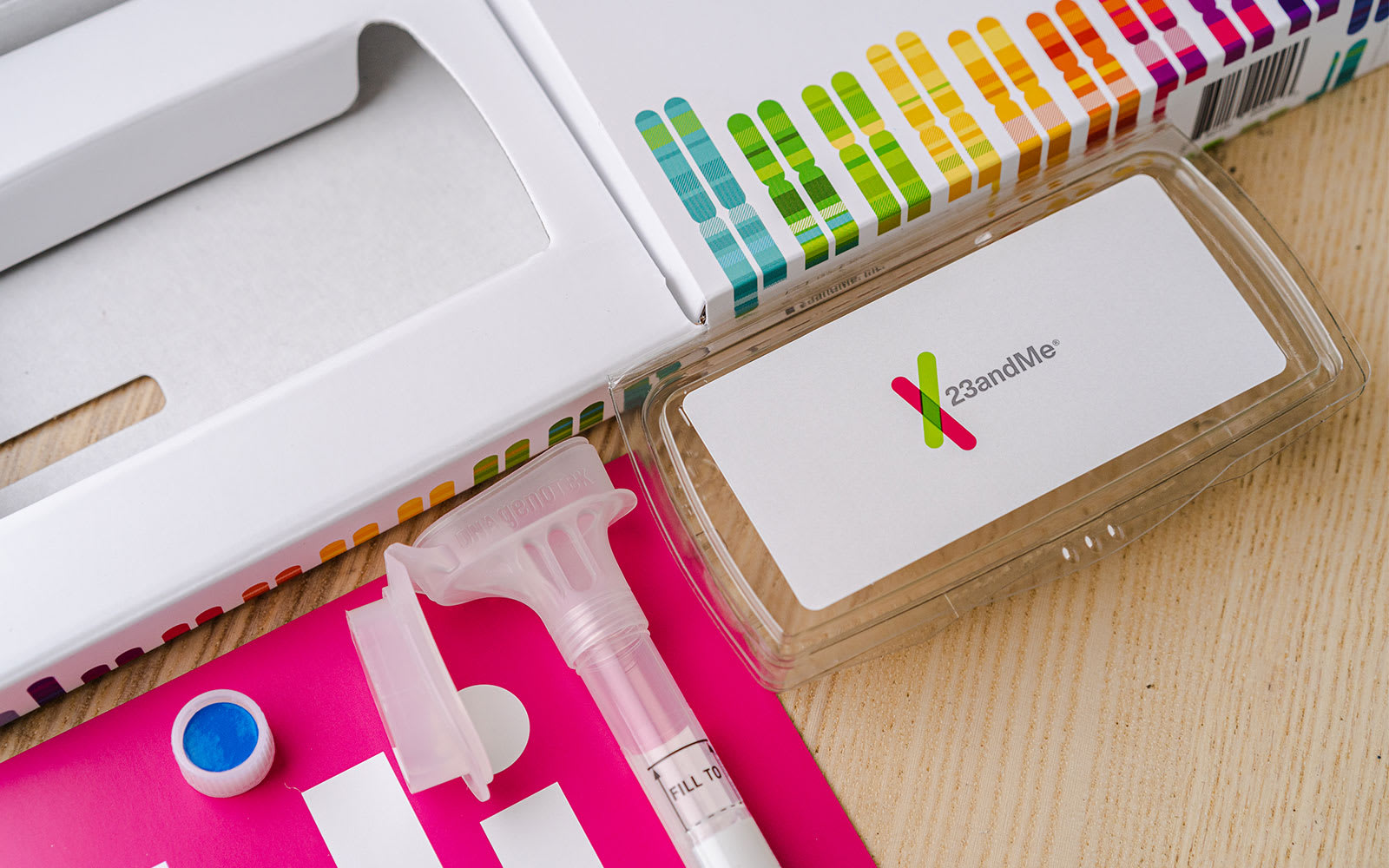
Scientists only mapped the human genome 16 years ago, but today you can get a basic test of your genetic code from Walgreens. It’s estimated some 26 million people have already sent their spit to direct-to-consumer DNA-testing companies, and the number is predicted to multiply to 100 million by 2021.
Source: How secure is DNA testing?
How to work offline effectively with a Chromebook

Regular Chromebook users know that the “you can’t do anything on a Chromebook without the internet” myth is simply that: A myth. It’s true that you may be limited without that Wi-Fi or LTE hotspot connection. But that’s the case for any software platform to a degree.
Source: How to work offline effectively with a Chromebook – About Chromebooks
Best Chromebooks of 2019 – So Far
Linux for Chromebooks 101: Getting started with the command line
So you have Linux on your Chromebook. Now what? Here’s a tutorial on some key commands to help you navigate Linux files, view directories, update Linux and install applications.
Source: Linux for Chromebooks 101: Getting started with the command line
How to Use ‘Affect’ Versus ‘Effect’
Every time I write either “affect” or “effect,” I have to pause for a second to double-check myself. Their meanings are related, their spellings are similar; even their pronunciation is nearly the same. But one of them causes something and the other is the result. And knowing the difference is a good thing.
“The action is affect, the end result is effect.”

How to Download a Windows 10 ISO Without the Media Creation Tool

Microsoft makes Windows 10 ISO images available to everyone through its download website, but if you’re already using a Windows machine, it forces you to download the Media Creation Tool first. Here’s how to download Windows ISOs without the creation tool.
Source: How to Download a Windows 10 ISO Without the Media Creation Tool
How to Get the Most Out of the Chrome Bookmarks Bar

The Bookmarks Bar in Google Chrome is more than just a place to store random pages for you to read later; it’s a highly functional and versatile feature that doesn’t get enough credit. Here’s how you can organize, beautify, and create bookmarklets to use it to its full potential.
What If We Burned All Trash on Earth? – YouTube
Everything New in Windows 10’s May 2019 Update, Available Now

Windows 10’s latest update is the May 2019 Update, which is version 1903 and was codenamed 19H1 during development. It features a light theme, speed improvements, and lots of polish. There are no crazy new features like My People or Timeline. And it’s out now.
Source: Everything New in Windows 10’s May 2019 Update, Available Now
Best free Automation software for Windows 10
Computers have changed the way we live our lives. They have found a place for themselves in every walk of our life. In the recent past, artificial intelligence and machine learning have given way to increased automation. Despite the development, most of the task we do on our PC is repetitive. Have you ever thought of automating these tasks and saving time? While most of us are familiar with AutoHotkey, today we will take a look at some other free automation software for Windows.

Chromebooks Are The Future of Computing According To Google SVP

CHROMEBOOKS ARE THE FUTURE OF COMPUTING ACCORDING TO GOOGLE SVP
As long as we’ve been covering Chromebooks, Chromeboxes, and all the other hardware Google drops Chrome OS onto, there’s been a running theme or two that have followed the not-quite-fledgling operating system: “it’s just a browser” and “Chrome OS is Dead.”
Source: Chromebooks Are The Future of Computing According To Google SVP
Chromebooks Make Big Strides In Sales Numbers in Q4 of 2018
CHROMEBOOKS MAKE BIG STRIDES IN SALES NUMBERS IN Q4 OF 2018

Source: Chromebooks Make Big Strides In Sales Numbers in Q4 of 2018
Google Pixel 3a vs Galaxy S10 Plus vs Huawei P30 Pro Camera Comparison
Google I/O 2019: The day one roundup of announcements, news, and devices

Google I/O is in full swing, and as usual, Google has a ton of announcements regarding Android, search, the Assistant, and – this year – even new hardware. Our coverage has been fast and furious, so this post is meant to help you wrap your head around everything we’ve dug into here at the show.
Source: Google I/O 2019: The day one roundup of announcements, news, and devices
Here’s all the important stuff Google announced at I/O 2019
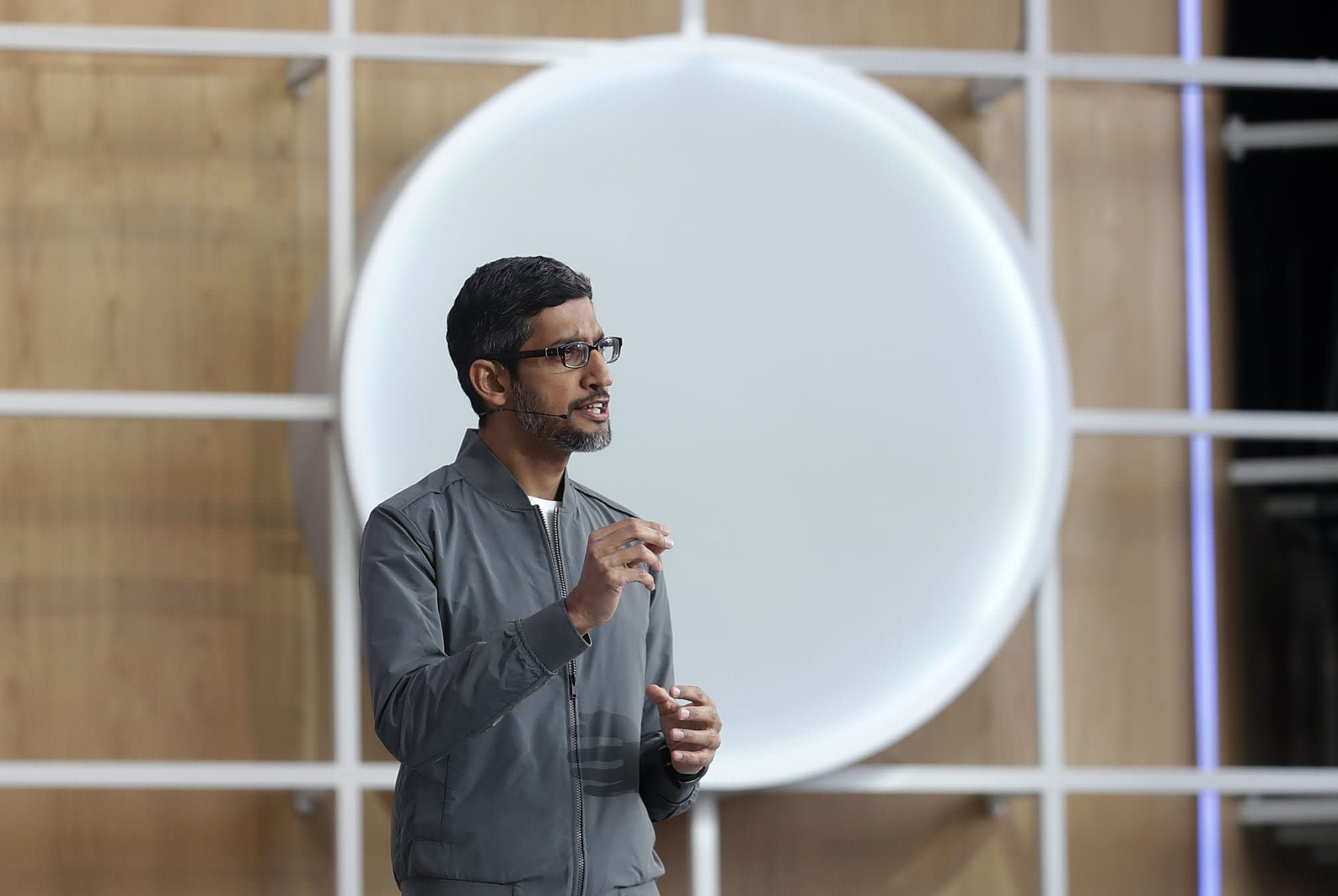
Google unveiled the new Pixel 3a, a smarter Google Assistant, security upgrades and more.
Source: Here’s all the important stuff Google announced at I/O 2019
Top 10 Google I/O 2019 announcements!

Google I/O 2019 has kicked off with its usual keynote full of goodies and Google-y goodness, and here is all the awesomeness that was on display! The focus was on AI, but there was still plenty of Android excellence, Accessibility advances, and smart home sweetness to soak in.
Source: Top 10 Google I/O 2019 announcements! | Android Central
Google will soon let you auto-delete activity and location data

If you’re worried about your Google data history coming back to haunt you, you’ll be glad to hear that there’s now an easy way to keep that history brief.
Source: Google will soon let you auto-delete activity and location data